- You have no items in your shopping cart
- Subtotal: ₹0.00
|
Getting your Trinity Audio player ready...
|
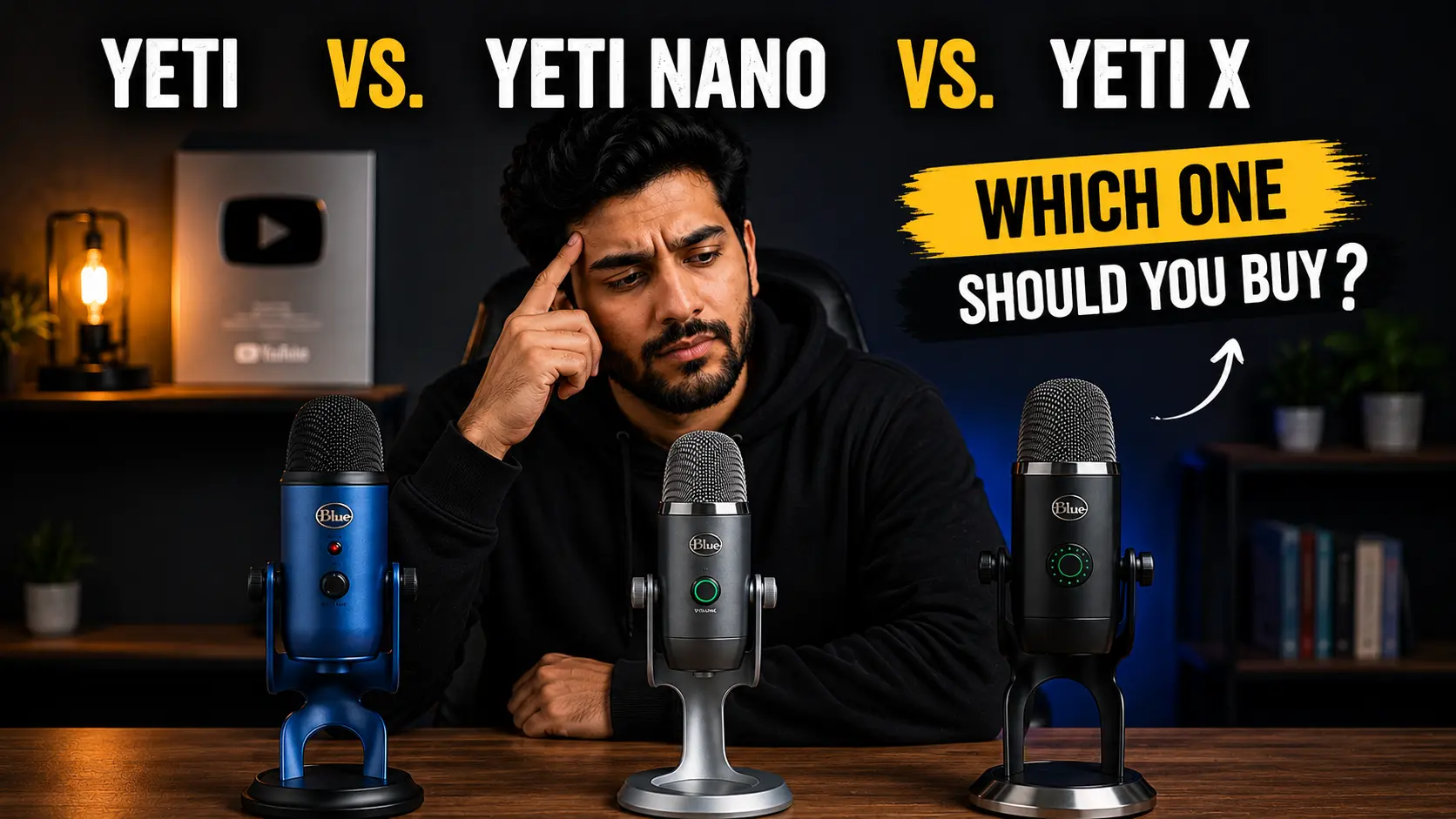
Hey Everyone, How are you? If you want one Blue Yeti USB microphone that covers the widest range of recording situations, the standard Yeti is the safest pick. The Yeti Nano makes more sense when desk space and simplicity matter, while the Yeti X is the better choice if you specifically want its extra controls and 24-bit recording.
The mistake is buying the most expensive Yeti simply because its specification sheet looks better. We listed best Blue Yeti Microphones for you according to your needs, So read each and every point and let me know your thoughts in comment section.
Which Blue Yeti microphone should you buy?
Let me explain you in short –
Buy the Blue Yeti if you want the most flexible option for podcasts, YouTube, voice-over, interviews or general desktop recording.This mic looks very premium and also records voice very clear and crisp. So if you are youtuber, try this one.
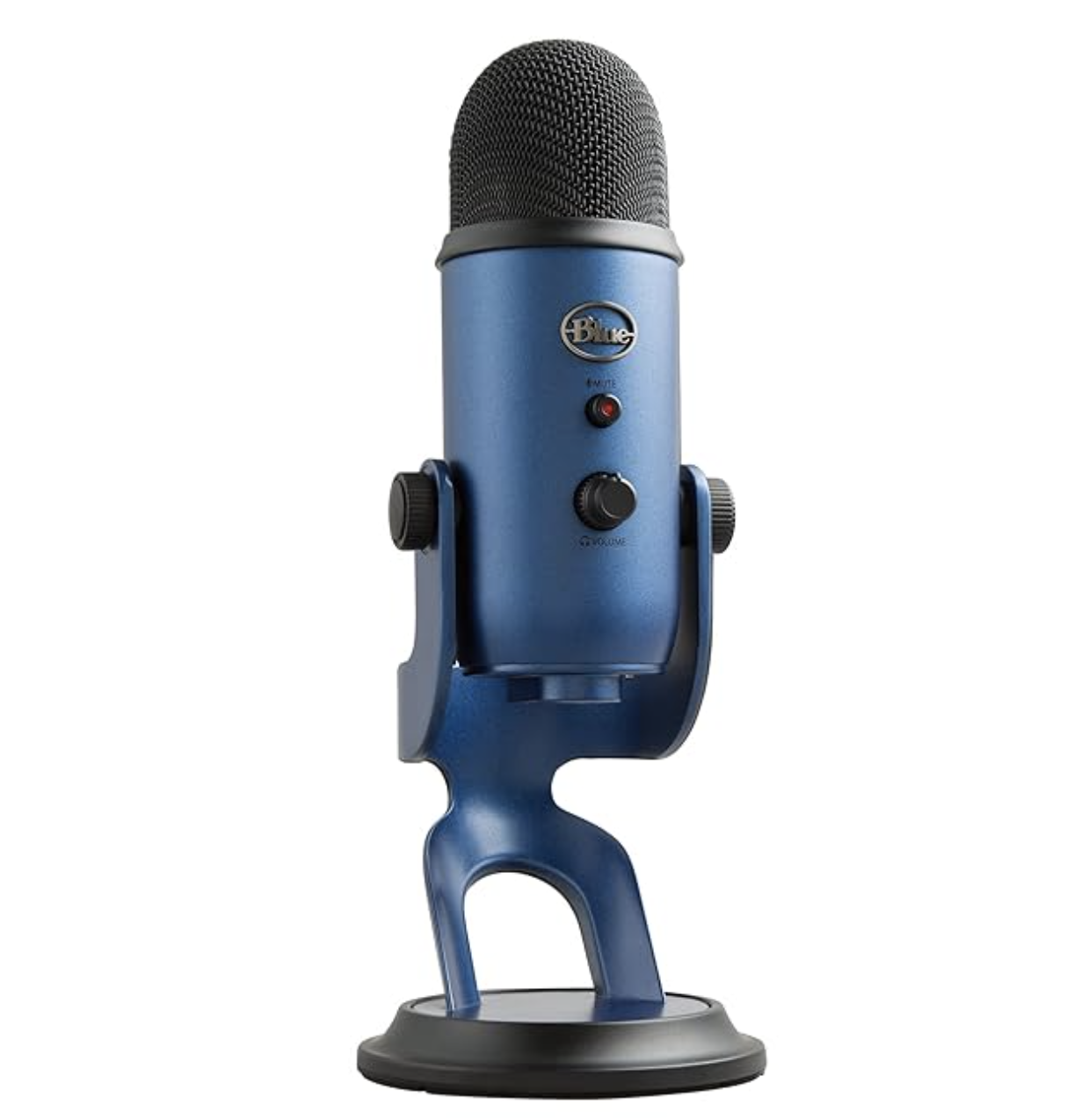
Buy the Blue Yeti Nano if you mainly record yourself and want a smaller microphone with fewer controls to worry about. This mic is really very good for streaming and podcasts. This mic comes with 4.2 Ratings on amazon.
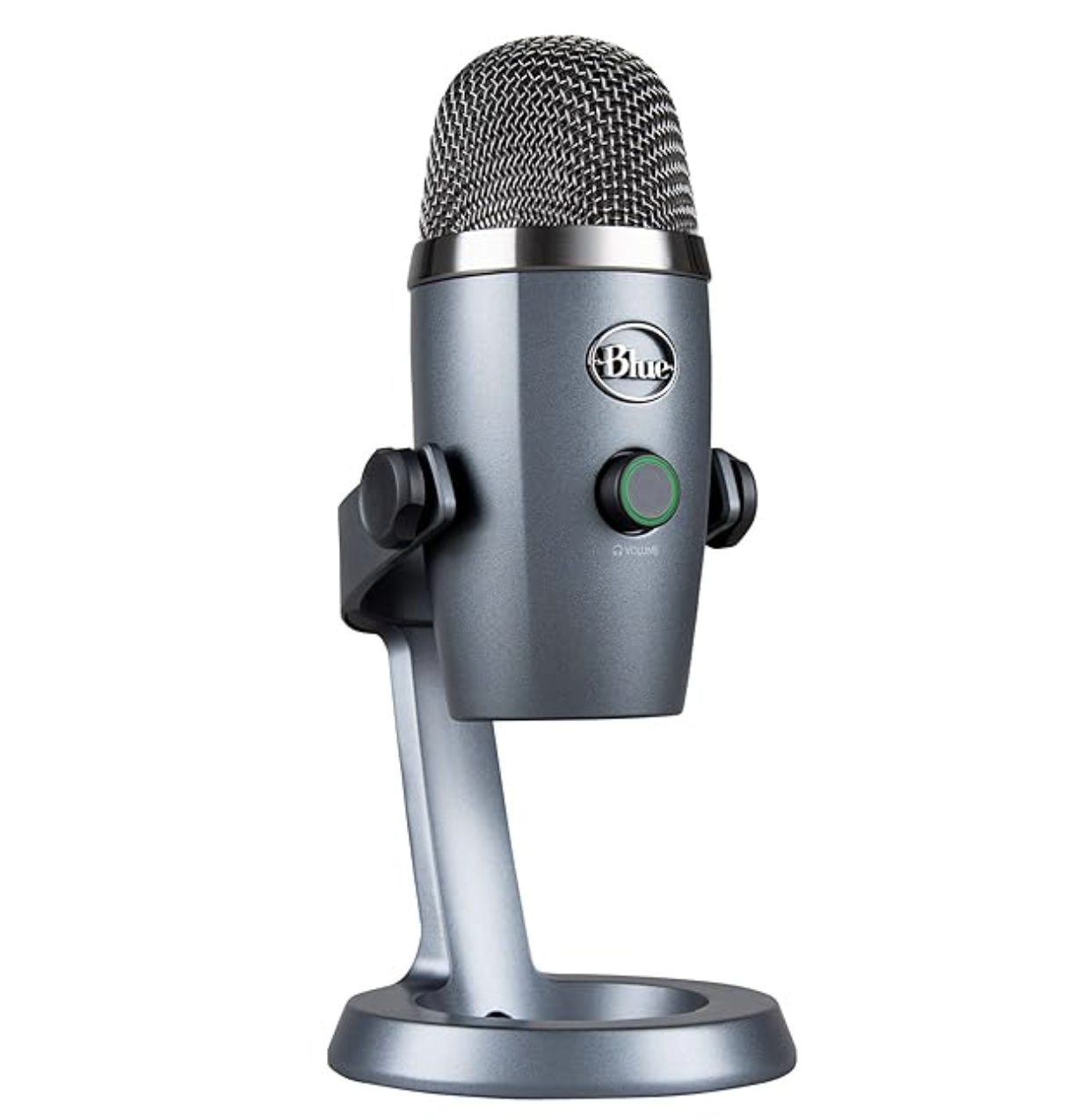
Buy the Blue Yeti X if you want the more advanced control layout, on-mic level monitoring and 24-bit/48kHz recording, assuming you find one at a sensible price. Best part of this microphone is, it comes with 12 months warranty and suitable for home recording.
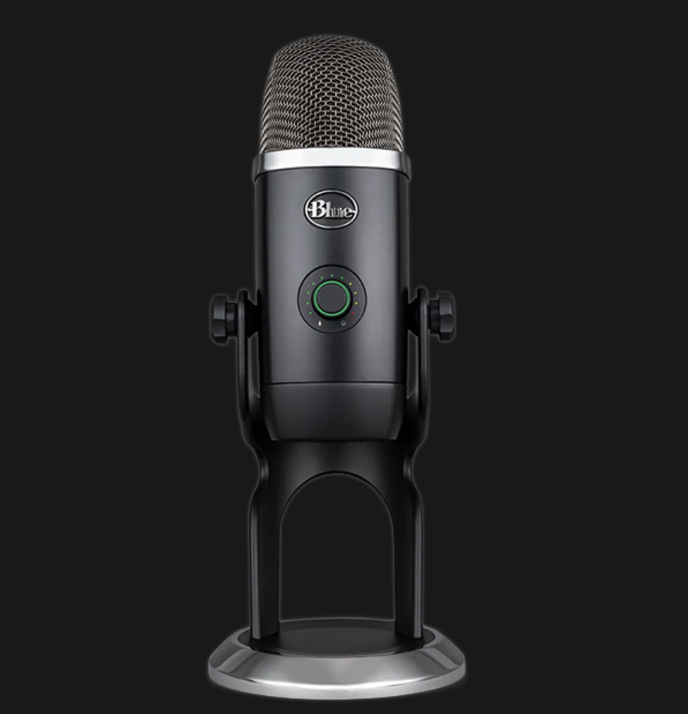
That last part matters. The Yeti family has been around for years, and you’ll encounter older reviews and older product information while shopping. Some of those pages no longer describe the current software situation accurately. Logitech’s current Yeti product information lists Blue VO!CE support through G HUB, for example.
The standard Blue Yeti is still the one I’d start with
The original Yeti is easy to recommend because its biggest advantage isn’t a fancy specification.
It’s flexibility.
Logitech lists four pickup patterns for the Yeti: cardioid, bidirectional, omnidirectional and stereo. Cardioid is aimed at sound in front of the microphone, bidirectional picks up from the front and rear, omnidirectional captures around the microphone, and stereo uses left and right channels for a wider recording.
That gives the standard Yeti a practical advantage over the Nano.
Recording yourself for YouTube? Use cardioid.
Recording an interview with two people sitting opposite each other? Bidirectional gives you an option.
Need to capture several people around a table? Omnidirectional is the relevant mode.
Want a wider stereo recording for certain music or ambient applications? The stereo pattern is there too.
You won’t necessarily use all four. That’s fine. The value is having them available when you need them.
The hardware also includes a headphone output for monitoring, a gain control and a mute button. Logitech lists the standard Yeti at 48kHz/16-bit with three 14mm condenser capsules.
One more reason I prefer it for a general-purpose setup: you aren’t buying a microphone that forces you into one specific type of recording.
Who should skip the standard Yeti?
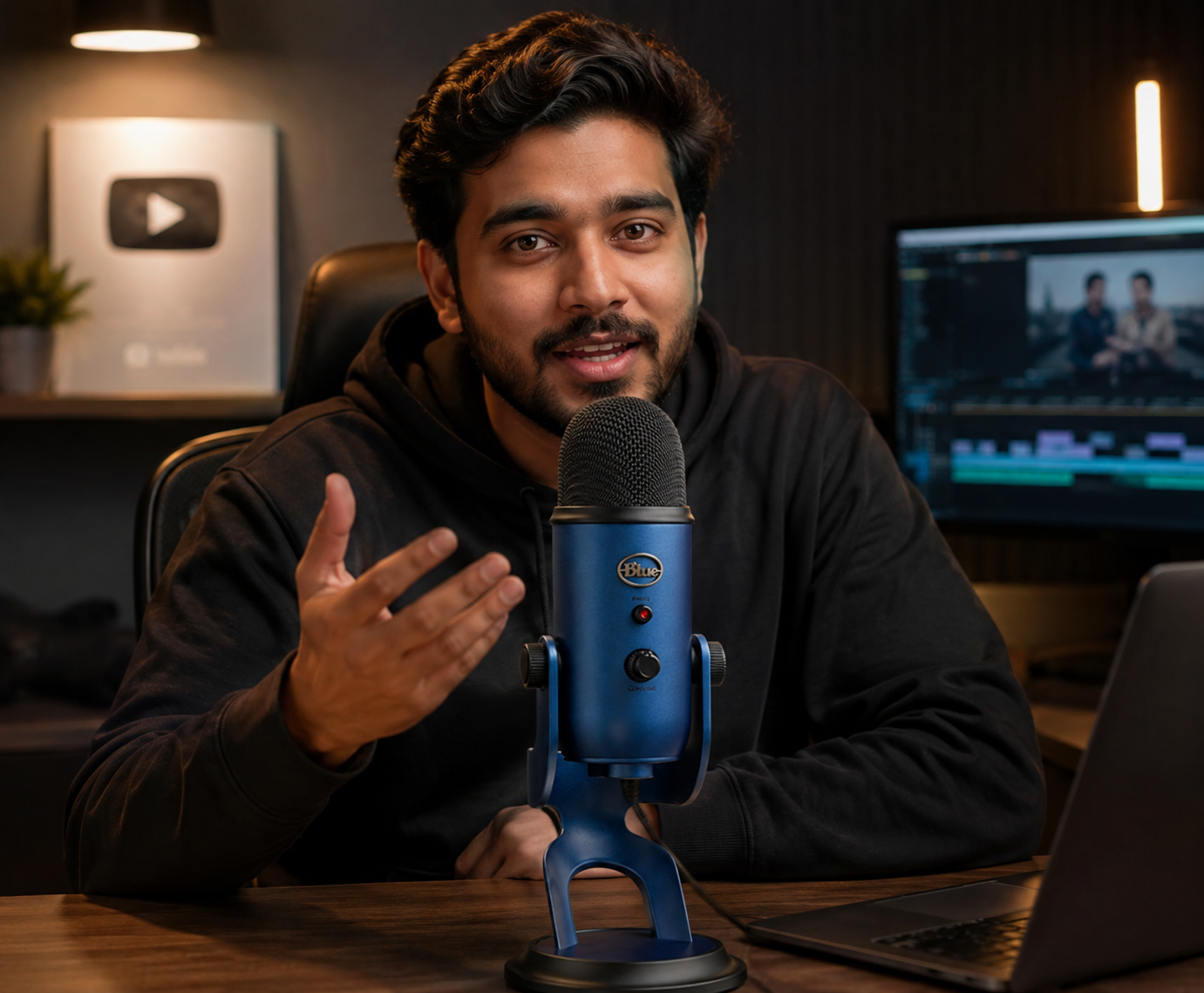
If your desk is cramped, the Yeti is a fairly substantial desktop microphone. Logitech lists its extended-stand dimensions at 12 × 12.5 × 29.5 cm.
And if you’re only recording solo voice, you might never use three of its four pickup patterns.
In that case, the Nano deserves a closer look.
The Blue Yeti Nano makes more sense than the spec sheet suggests
The Blue Yeti Nano is the compact member of the family.
Its two pickup patterns are cardioid and omnidirectional. That’s a meaningful reduction from the standard Yeti’s four patterns, but it isn’t automatically a problem.
For a person recording solo videos, podcasts, tutorials, calls or voice-over, cardioid is usually the pattern that matters most.
That’s why I wouldn’t reject the Nano simply because it has fewer modes.
The Gadgeteer’s review found the Nano straightforward to set up and praised its plug-and-play nature. Tom’s Hardware similarly found its spoken-word performance strong while pointing out its limitations in controls and hardware quality.
The smaller body is another practical advantage. Coolblue lists the Nano at roughly 21 cm tall compared with about 29 cm for the Yeti X and 29.5 cm for the standard Yeti on their stands.
That difference is not exciting on a specification table.
On a small desk, it is.
The catch with the Yeti Nano
Don’t buy the Nano expecting it to replace every function of the standard Yeti.
You lose the bidirectional and stereo pickup patterns. If you regularly record two people with one microphone, that matters. If you only record your own voice, it probably doesn’t.
The Nano has also received criticism in reviews for its physical controls and port design. Tom’s Hardware specifically noted concerns around the dial and ports.
So my advice is simple: choose the Nano for its compactness and focused use case, not because “Nano” sounds like a newer or better Yeti.
The Blue Yeti X is for people who actually want the extra controls
So you want a Microphone with lots of features right? The Yeti X is the most interesting model if you’re the kind of buyer who will use its additional controls.
It records at 24-bit/48kHz and has four pickup patterns, matching the standard Yeti’s pattern flexibility while adding more control over recording levels. SoundGuys highlights its on-mic levels display and gain control, while Tom’s Hardware notes the move from the standard Yeti’s 16-bit/48kHz recording to 24-bit/48kHz.
That makes the X particularly attractive for streamers and creators who want to watch levels while recording rather than discovering a problem afterward.
It also supports Blue VO!CE software, which adds voice-processing options through Logitech’s software ecosystem.
But here’s where I disagree with a lot of “best microphone” lists:
More features don’t automatically make the Yeti X the best buy.
If you record a YouTube tutorial once or twice a week and mostly speak directly into the microphone, the standard Yeti already gives you four pickup patterns, headphone monitoring and gain control. The X’s additional features won’t suddenly turn a noisy room into a studio.
And older reviews have already made the same basic point from another angle: existing Yeti owners have less reason to upgrade when the core recording experience is already strong.
What actually matters more than 16-bit versus 24-bit?
This is the part I wish more buying guides emphasized.
A microphone sitting too far away from your mouth in a reflective room will not become good simply because the box says “24-bit.”
For spoken-word recording, start with placement.
Put the microphone where it can capture your voice clearly without forcing you to turn your gain unnecessarily high. Use cardioid when you’re recording yourself. Keep unnecessary noise sources away from the microphone.
Then listen through headphones.
The Yeti family gives you direct headphone monitoring, which is useful because you can hear problems while recording rather than after you’ve finished the take. Logitech lists headphone monitoring and gain controls among the standard Yeti’s onboard controls.
This is also why I wouldn’t choose a Yeti X solely because 24-bit sounds “professional.” The higher-resolution recording format has technical advantages, but your room, microphone position, background noise and recording technique still determine what the listener actually hears.
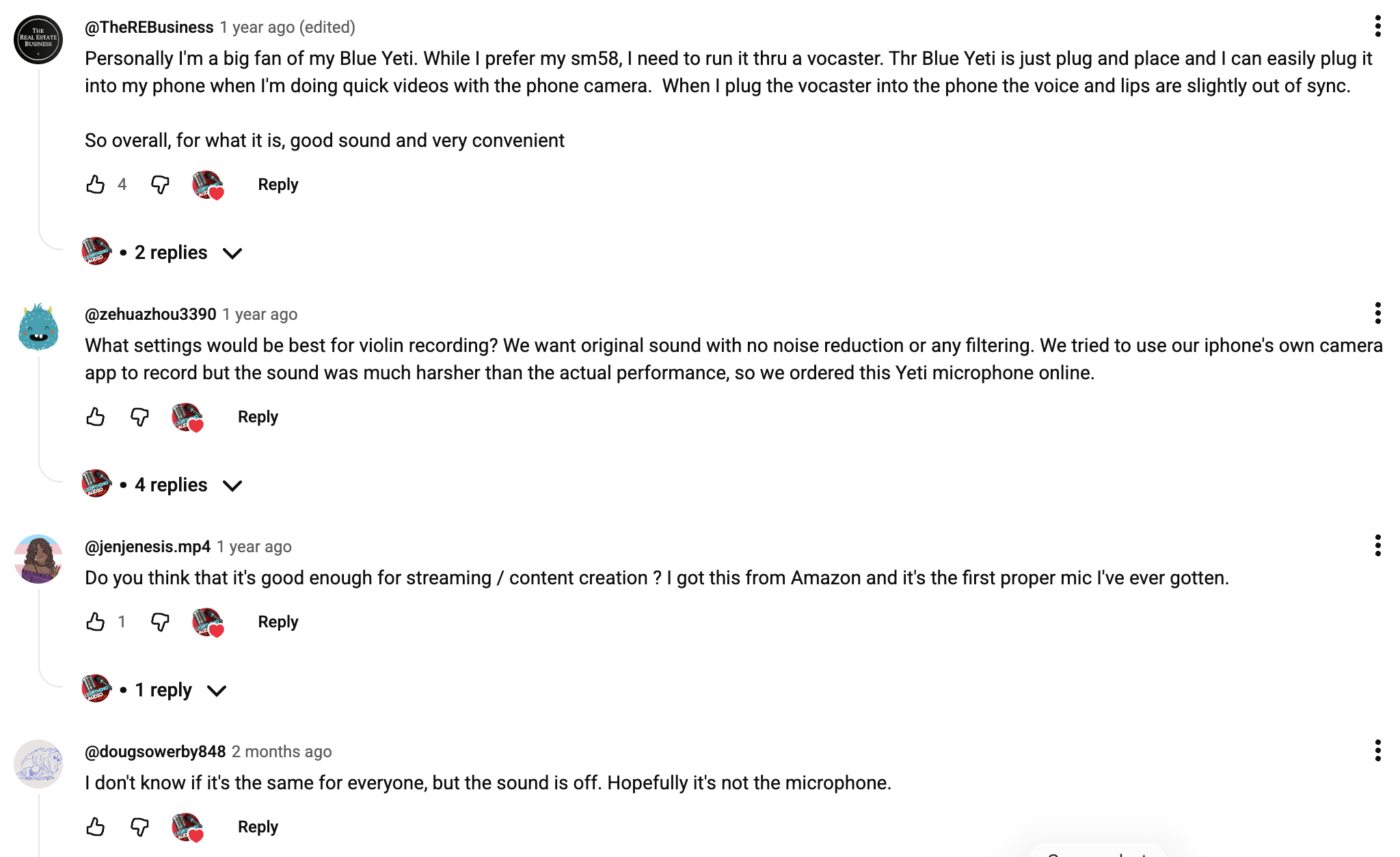
What people Says about Audio Quality
Yeti vs. Yeti Nano vs. Yeti X: my practical ranking
Best overall: Blue Yeti
It has the broadest pickup-pattern selection and enough physical controls for most home creators. It is the model I’d recommend when the buyer hasn’t given me a very specific reason to choose something else.
Best compact choice: Blue Yeti Nano
Pick it when you mainly record one person and want a smaller desktop microphone. The two-pattern design is a limitation, but not necessarily one you’ll notice in a solo setup.
Best for advanced onboard control: Blue Yeti X
Choose the X when its level display, 24-bit/48kHz recording and additional control options are genuinely useful to your workflow.
Check Honest Blue Yeti Review Here
Which Blue Yeti should you actually buy?
If you’re sitting on an online store page with all three options open, don’t overthink it.
For YouTube, podcasting, voice-over and general content creation, I’d buy the standard Blue Yeti.
For a small desk or mostly solo recording, I’d choose the Blue Yeti Nano.
For streaming or a more hands-on recording workflow, I’d look at the Blue Yeti X.
And if the Yeti X is substantially more expensive than the standard Yeti where you’re shopping, I’d save the money unless you know you’ll use its extra features.
The best Blue Yeti isn’t the one with the longest specification sheet. It’s the one whose features you’ll actually use.
Before buying, check the current model listing, included accessories and software support rather than relying on an old review, you can also check latest videos on youtube related to Blue Yeti USB Microphones. The Yeti line has changed over time, and Logitech’s current product information does not always match older comparison articles. We tried to share all information related to Blue Yeti, i hope this article is helped you, for more stay in touch with micprice.
Helpful for you – Tips to buy a Microphone